Free Taylor Swift App Icons – debut era
Recently updated on May 23rd, 2026
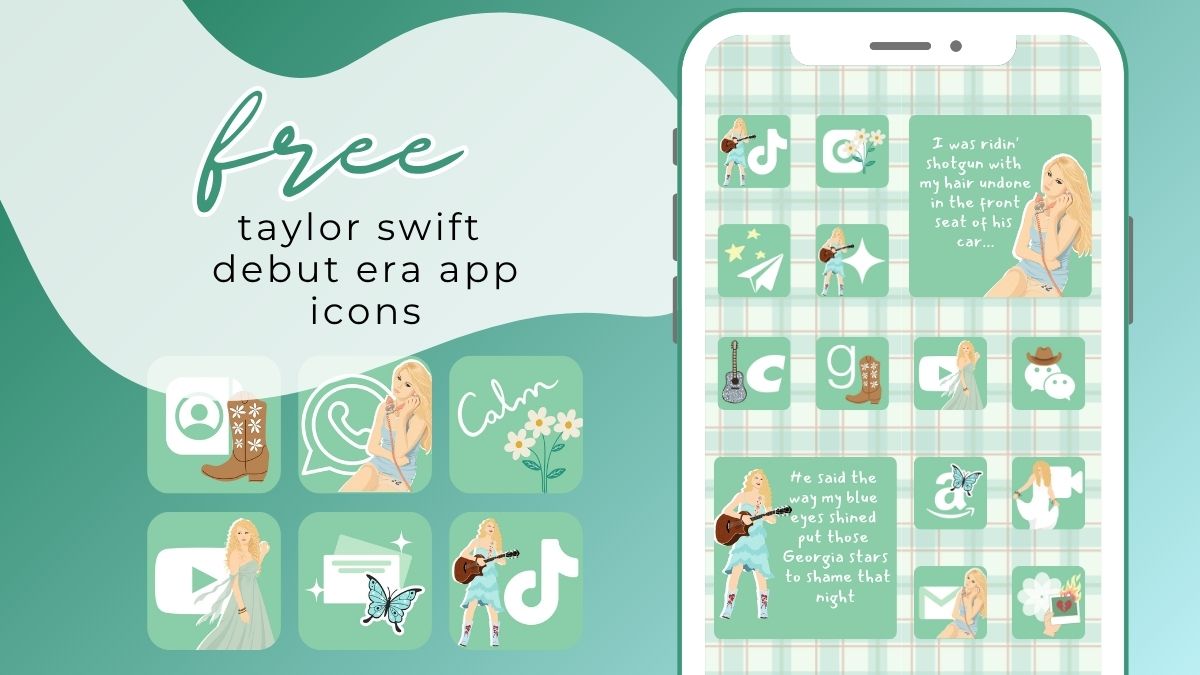
The most requested aesthetic app icon pack ever is finally making its debut (pun intended)… Free Taylor Swift App icons! I will be sharing them in order of her eras, beginning with the Debut Era.
Once upon a time I had an Eras Tour aesthetic app icon pack on my Etsy shop. Sadly, Etsy removed it along with just about every other Etsy shop’s Eras Tour merch, artwork, etc.
Since then, I have not felt like risking my shop by uploading any other “Eras” themed app icons to my Etsy shop. However, I get sooo many requests to bring the EtsyTaylor Swift Eras Tour app icons back!
So, here we are! I will be sharing Free Taylor Swift Aesthetic App Icons, era by era 🙂
More Eras App Icons coming soon here!
Pin it/Send it to a friend 🙂
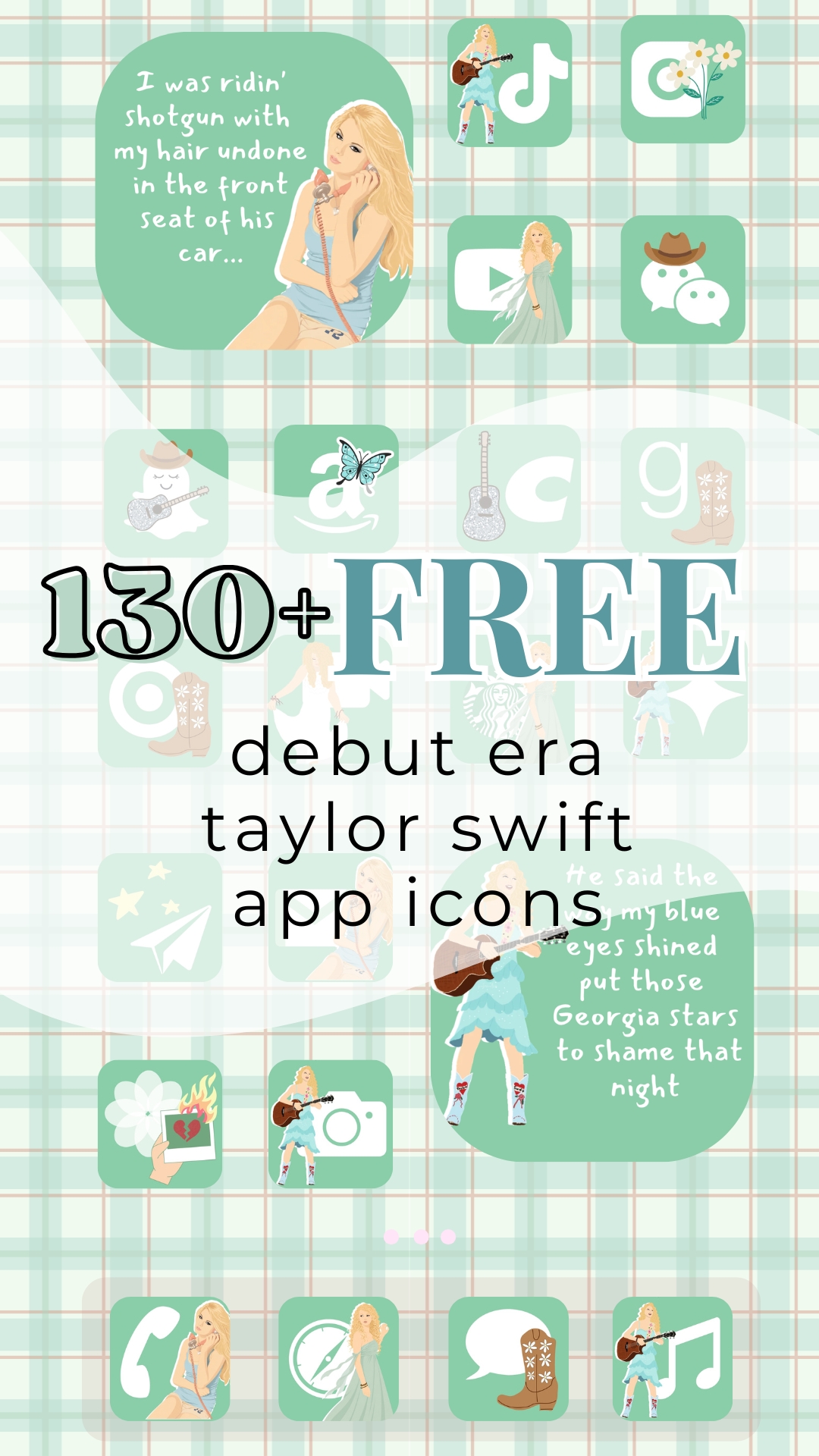
Free Taylor Swift App Icons – Debut Era
To Download the Free Taylor Swift Aesthetic App Icons Below:
- Mobile: Press down on any app icon to save to your phone’s photo gallery
- Desktop: Right Click and save image. AirDrop saved images to your phone
- Note: Files sizes are small enough to not take up too much phone storage, but large enough to fit your app icon covers with image clarity.
Taylor Swift App Icons included Below (organized in groups of 20 for ease):
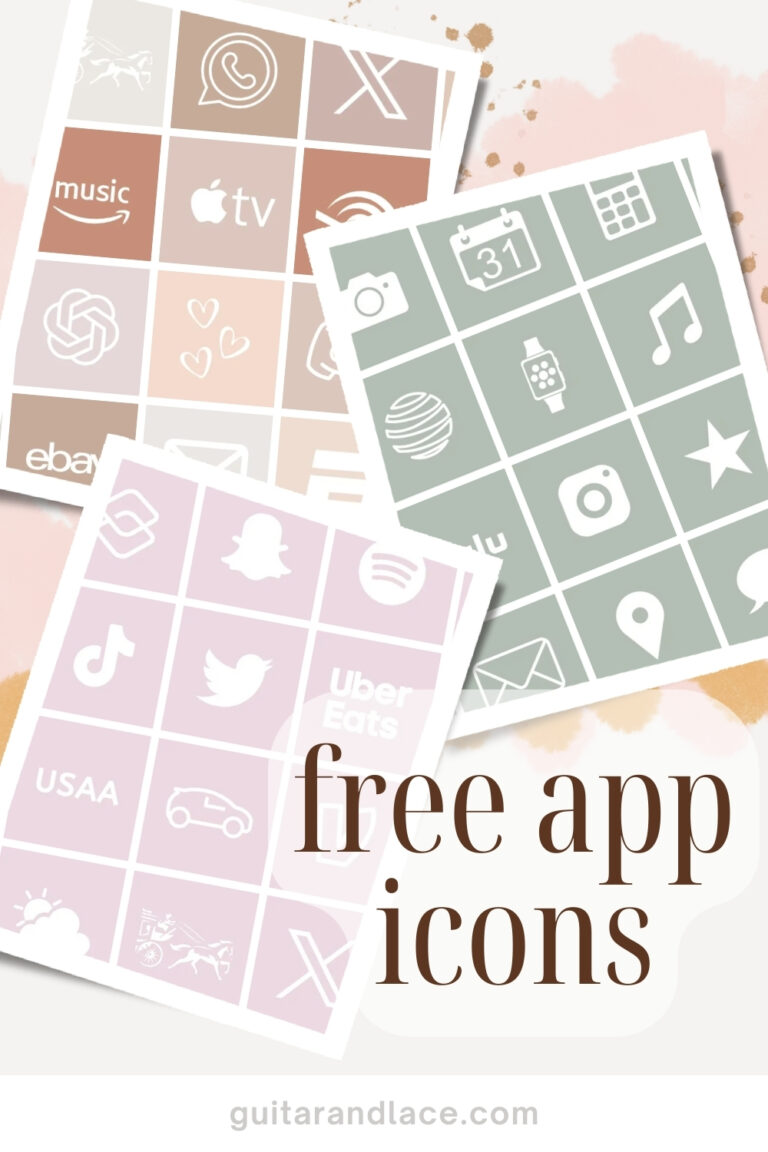
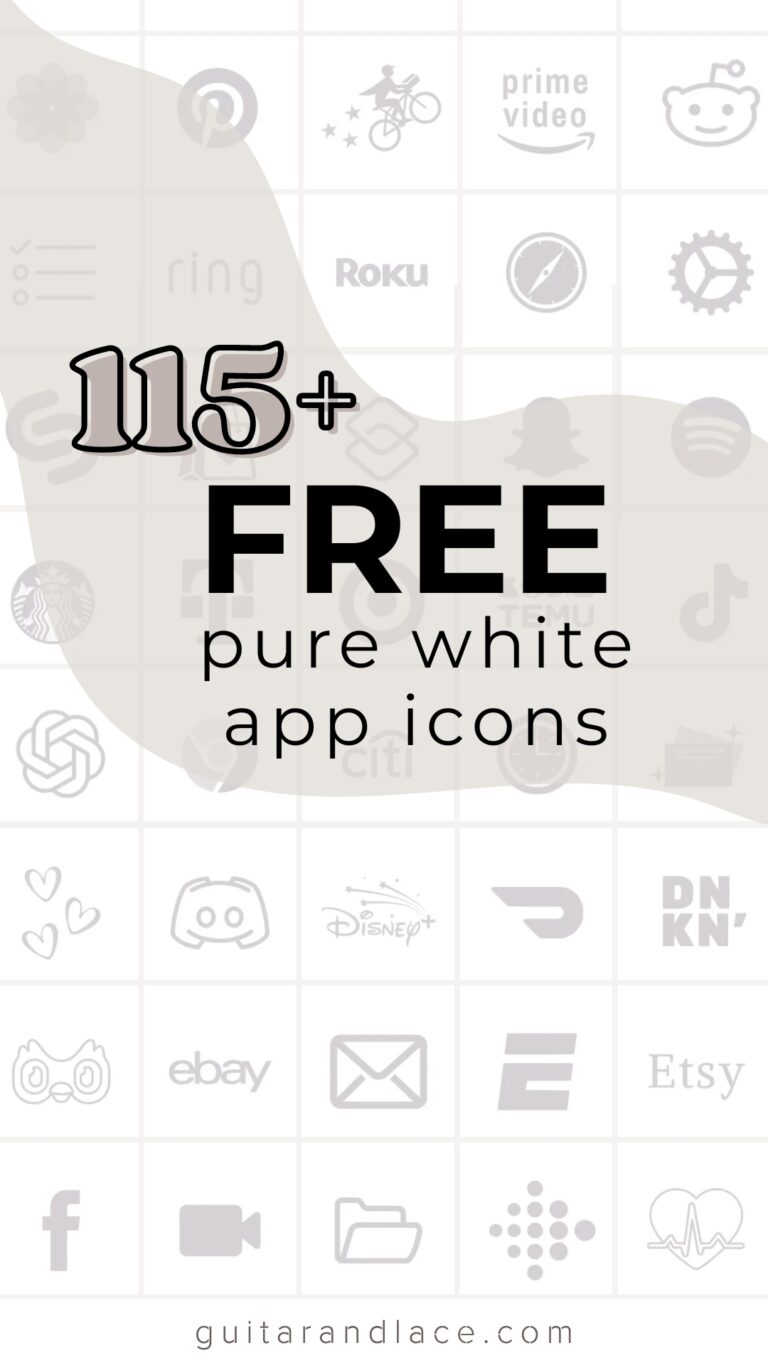
AirBnb, Airlines, Alexa, Amazon, Amazon Music, Amazon Photos, App Store, Apple Music, Apple TV, Smart Watch, AT&T, Audible, Bank of America, BeReal, Bible, Bluesky, Books, Calculator, Calendar, Calm
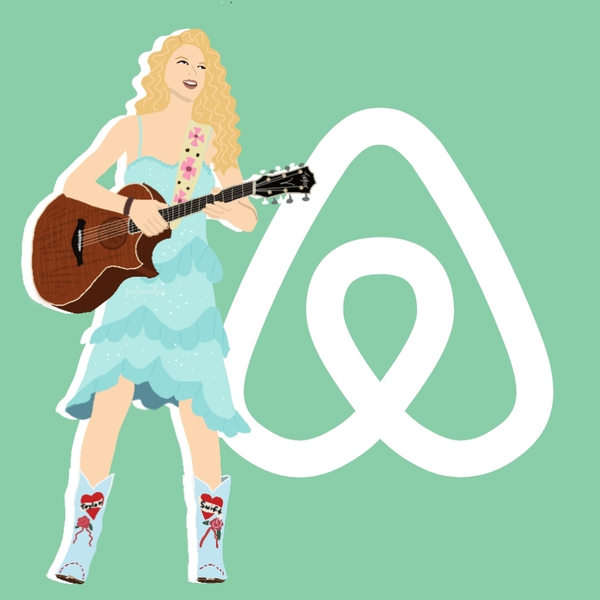
















Taylor Swift App Icons included Below (organized in groups of 20 for ease):
Camera, Capcut, Capital One, Cash App, Chase, Chat GPT, Chick-Fil-A, Chipotle, Chrome, Citibank, Clock, Contacts, Costco, Credit Card, Dating Hearts, Discord, Disney+, Doordash, Dunkin, Duolingo


















Taylor Swift App Icons included Below (organized in groups of 20 for ease):
Ebay, Email, Espn, Etsy, Facebook, FaceTime, Files, Fitness Apple, Fitbit, Fitness, Flip, Food, Games, Generic: cowboy hat, butterfly, daisies, boot, Gmail, Goodnotes, Goodreads


















o Download the Free Taylor Swift Aesthetic App Icons Below:
- Mobile: Press down on any app icon to save to your phone’s photo gallery
- Desktop: Right Click and save image. AirDrop saved images to your phone
- Note: Files sizes are small enough to not take up too much phone storage, but large enough to fit your app icon covers with image clarity.
Taylor Swift App Icons included Below (organized in groups of 20 for ease):
Google Calendar, Google Classroom, Google Docs, Google Drive, Google, Google Gemini, Google Meets, Google Play, Google Sheets, Google Slide, Health, Home, Hulu, Instagram, iTunes store, Lemon8, Libby, Life360, LTK, Linked In












Taylor Swift App Icons included Below (organized in groups of 20 for ease):
Lyft, Maps, Max, McDonalds, Messages, Messenger, Excel, OneNote, Outlook, Powerpoint, Teams, Microsoft Word, Netflix, News, Notes, Numbers, Pages, Pandora, Paramount+, Passwords















Taylor Swift App Icons included Below (organized in groups of 20 for ease):
Paypal, Peacock, Phone, Photos, Pinterest, Playstation, Podcast, Post-mates, Prime Video, Procreate, QQ, Reddit, RedNote, Reminders, Ring, Roblox, Roku, Safari, Sam’s Club, Settings


















To Download the Free Taylor Swift Aesthetic App Icons Below:
- Mobile: Press down on any app icon to save to your phone’s photo gallery
- Desktop: Right Click and save image. AirDrop saved images to your phone
- Note: Files sizes are small enough to not take up too much phone storage, but large enough to fit your app icon covers with image clarity.
Taylor Swift App Icons included Below (organized in groups of 20 for ease):
Shazam, Shein, Shop, Shortcut, Sina Weibo, Snapchat, Spotify, Starbucks, Substack, T-mobile, Target, Telegram, Temu, Threads, TikTok, Translate, Tumblr, Twitch, Twitter OG, Uber EatsVenmo, Wallet


















Taylor Swift App Icons included Below (organized in groups of 20 for ease):
Uber, US Bank, USAA, USPS, Vehicle, Venmo, Verizon, Voice Memo, Wallet, Walmart, Waze, Weather, WeChat, Wells Fargo, Wendy’s, Whatsapp, Widgetsmith, X, Youtube, Zoom

















Taylor Swift Debut Era Aesthetic Phone Wallpaper & Widgets
- Mobile: Press down on any app icon to save to your phone’s photo gallery
- Desktop: Right Click and save image. Update! Google Chrome has been saving .jpg files as “.webp” files for some desktop users. If this is the case for you, using your phone/device to save the app icons may be the better option.
- Note: Files sizes are small enough to not take up too much phone storage, but large enough to fit your phone with clarity.



How to Upload the Free Taylor Swift Debut Era Aesthetic App Icons onto your iPhone or iPad
Here is how you upload the photos as your new app icons with the “Shortcut App” (app should already be on your phone after the ios 14 update)
If you need visual instructions, this website is great! https://www.macrumors.com/how-to/change-app-icons-iphone-home-screen/
- Open “shortcuts” app
- Press the + at the top right
- Press +add action
- Search “Open App”
- Press “Open App” in the search results.
- Press “Choose”
- Pick an app to change
- **important** -At the bottom of your screen, press the square with the arrow pointing up.
- Press “Add to Home Screen”
- Press on the icon outlined in blue & “choose photo/file”
- Choose a photo for your new app icon
- Name the Shortcut & click add
- Repeat for next Shortcut app